The Setup Wizard turns an empty WordPress site into a complete Kinetra site in about a minute. Open it any time from Kinetra → Setup Wizard.
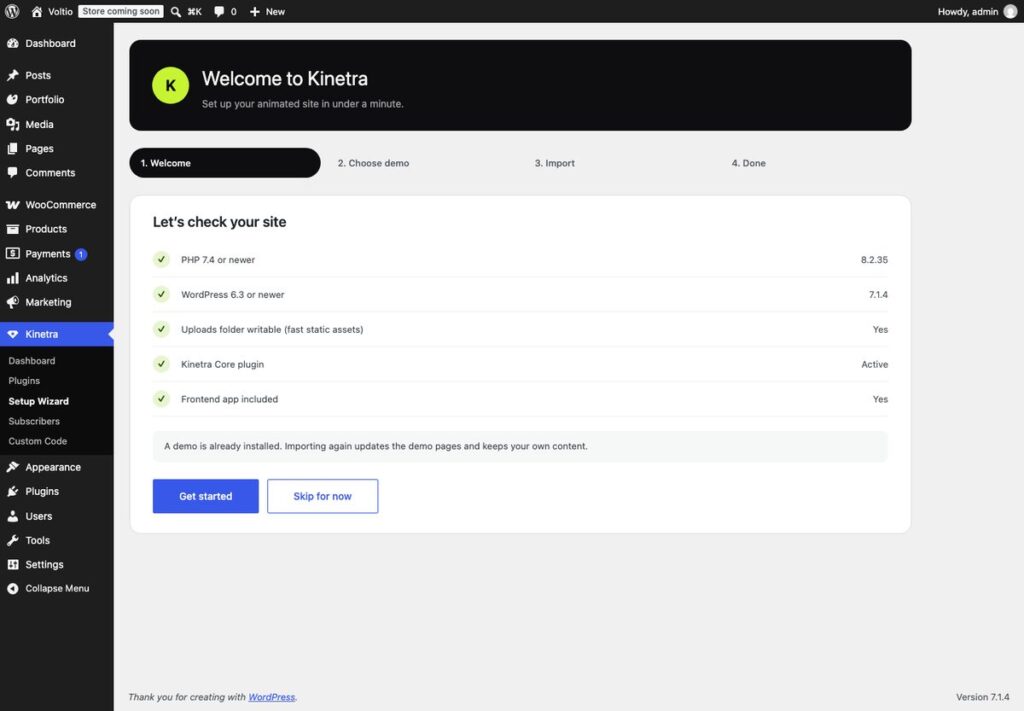
The four steps
- Welcome: checks PHP 7.4+, WordPress 6.3+, a writable uploads folder, Kinetra Core and the frontend app, and asks for your licence key if it isn’t activated yet.
- Choose demo: Kinetic, Atelier, Collective, Launch, Maison or Emporium. See them on the demos page.
- Import: choose your editor and what to import, then click Import demo. A progress bar shows plugins, content, menus and design settings.
- Done: view your site, edit pages, add projects or customise the design.
Block Editor or Elementor
| Block Editor | Elementor | |
|---|---|---|
| How you edit | WordPress’s built-in editor; each section is a Kinetra block | Drag and drop; each section is a Kinetra widget |
| Extra plugin | None | Elementor (free), installed for you |
| Design on the site | Identical | Identical |
| Global styles | Customizer | Customizer and an Elementor style kit, kept in sync |
You can change your mind later: run the wizard again with the other choice and the demo pages are rebuilt for that editor.
What to import
- Pages, projects, blog posts and menus are always imported. Store demos also import products and WooCommerce pages.
- Design settings: tick to get the demo’s look exactly; untick to keep your Customizer settings.
- Replace my site title and tagline: uses the demo’s site name.
- Remove the previously imported demo: removes the old demo’s pages, projects and posts. Content you created yourself is always kept.
Recommended plugins
Kinetra → Plugins installs and activates each recommended plugin in one click. Only Kinetra Core is required.
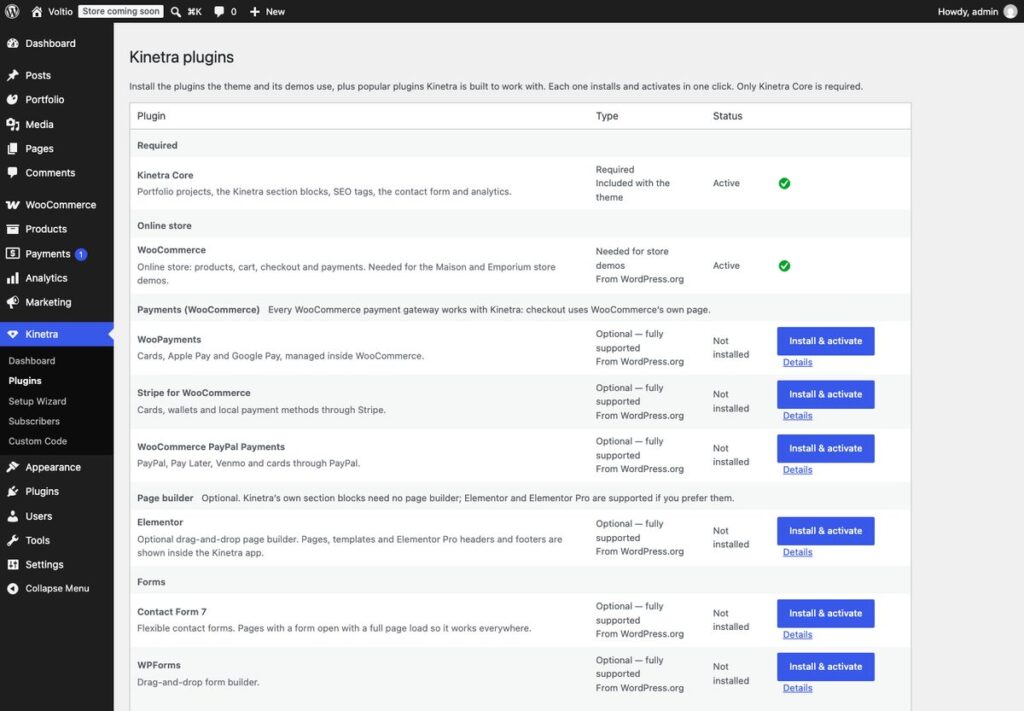
| Group | Plugins |
|---|---|
| Required | Kinetra Core (bundled) |
| Online store | WooCommerce (needed for Maison and Emporium) |
| Payments | WooPayments, Stripe for WooCommerce, WooCommerce PayPal Payments |
| Page builder | Elementor; Elementor Pro is supported |
| Forms and email | Contact Form 7, WPForms, WP Mail SMTP |
| SEO | Yoast SEO, Rank Math, All in One SEO, Breadcrumb NavXT, Redirection |
| Analytics and privacy | Site Kit by Google, Complianz |
| Content | Advanced Custom Fields, Custom Post Type UI, Code Snippets |
| Languages | Polylang, Loco Translate (WPML and TranslatePress also work) |
| Security, backup, speed | Wordfence, UpdraftPlus, LiteSpeed Cache, WP Super Cache |
The Kinetra dashboard
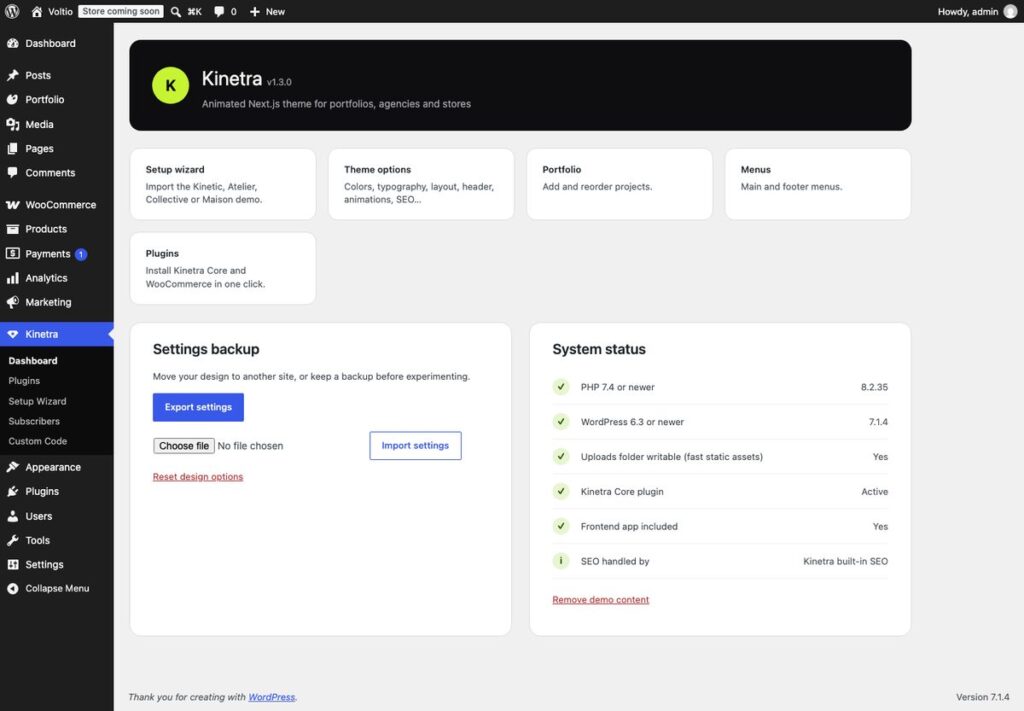
- Settings backup: export your design to a file, import it on another site, or reset to the preset’s defaults.
- System status: server checks, which SEO system is active, and Remove demo content.