Kinetra
Live demos

Six complete sites. Pick one and make it yours.

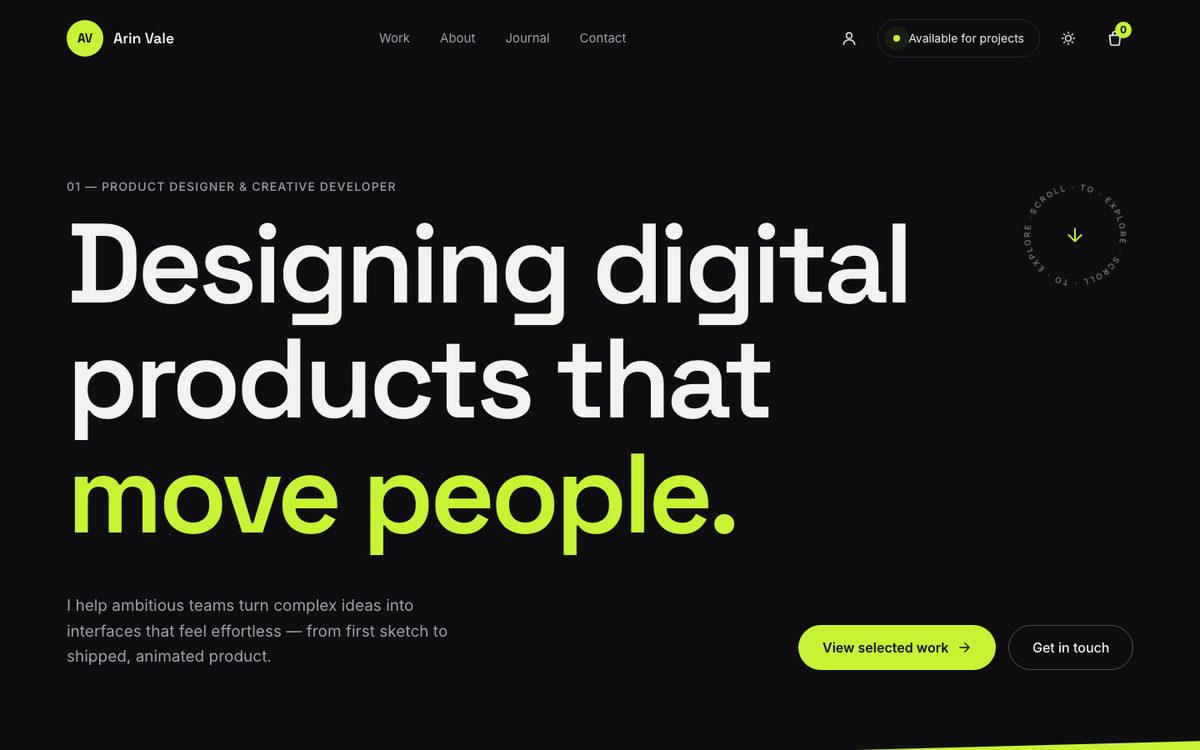
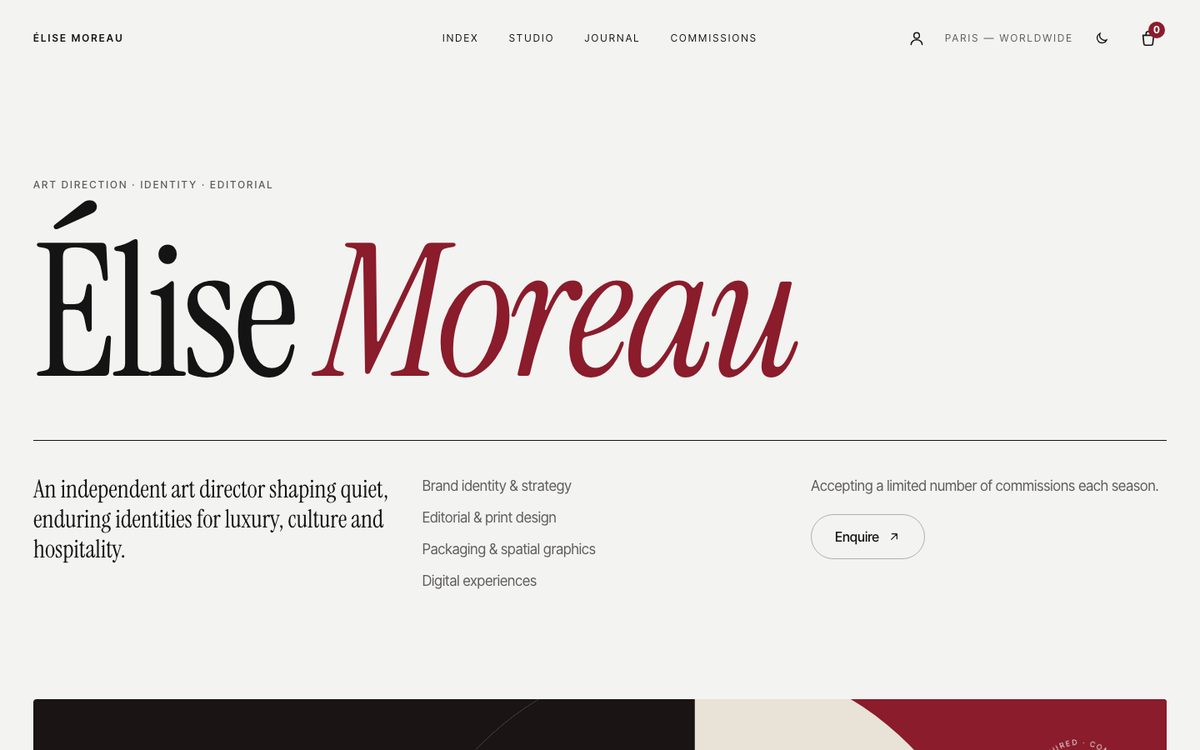
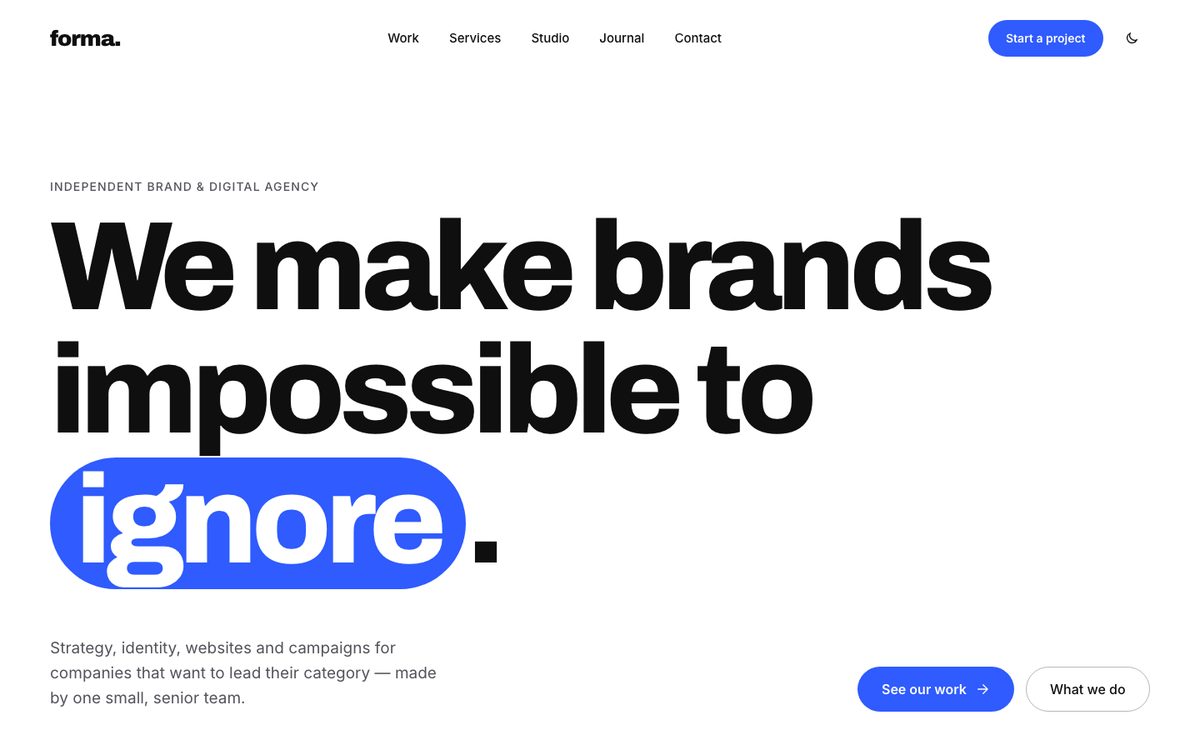
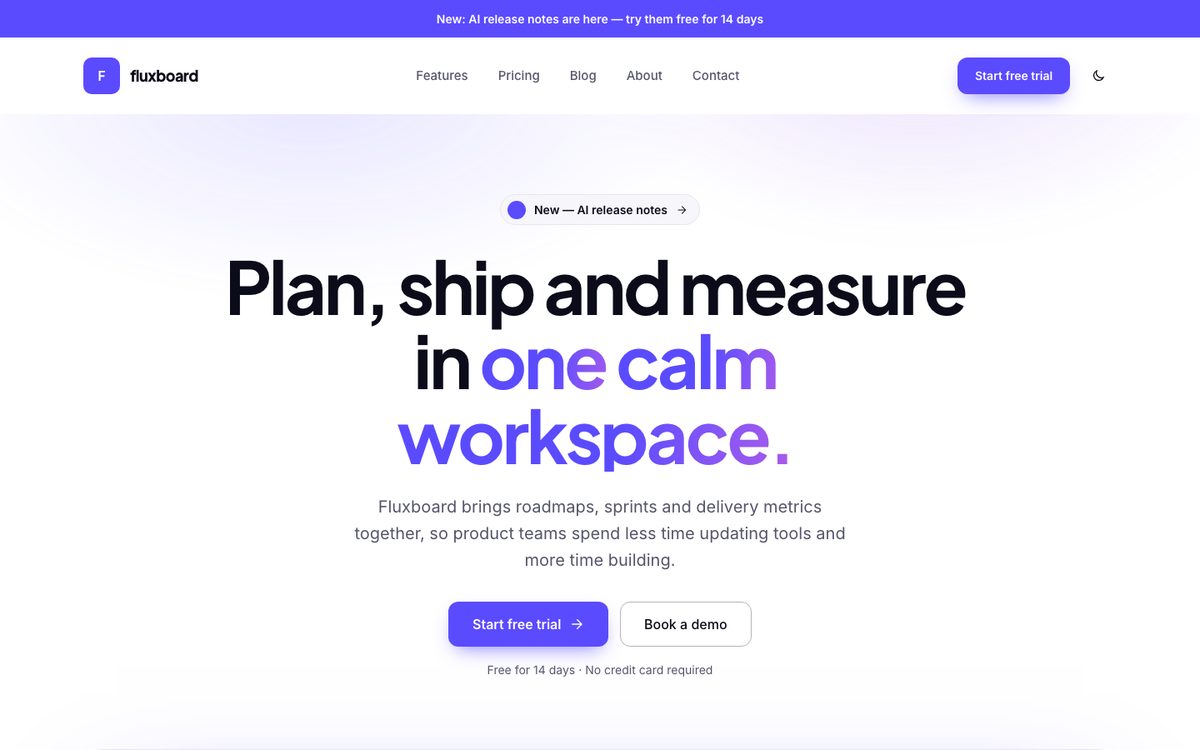
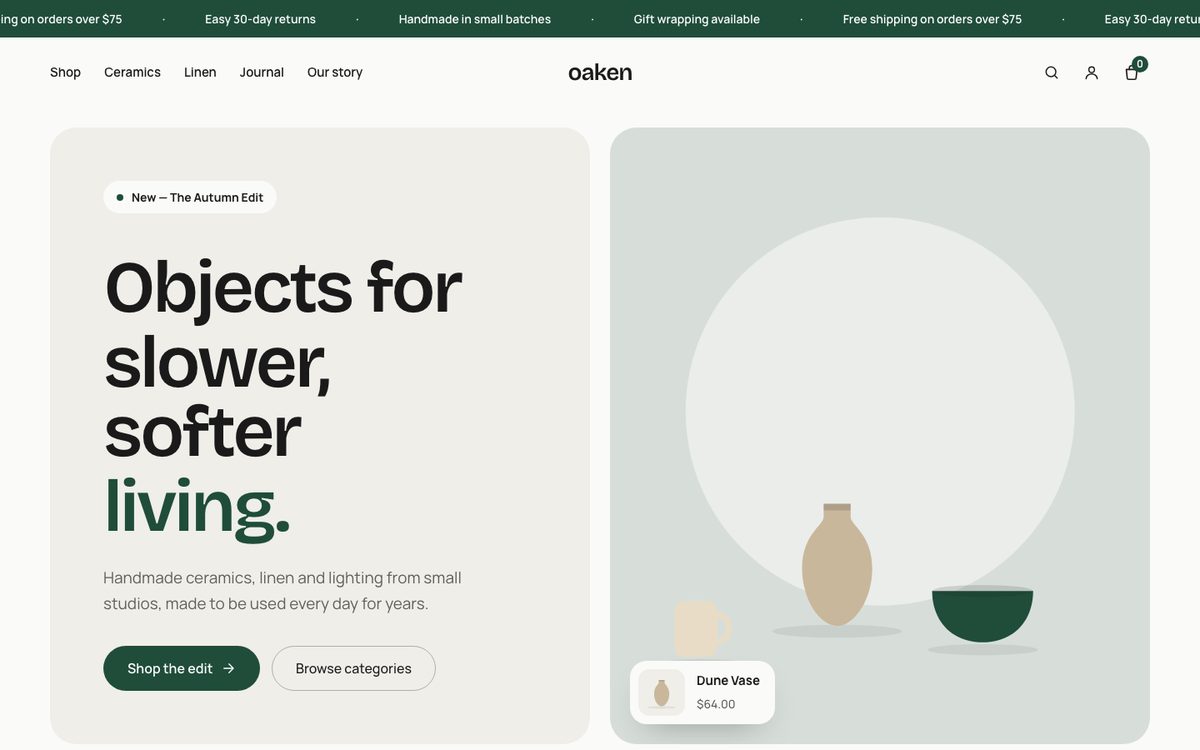
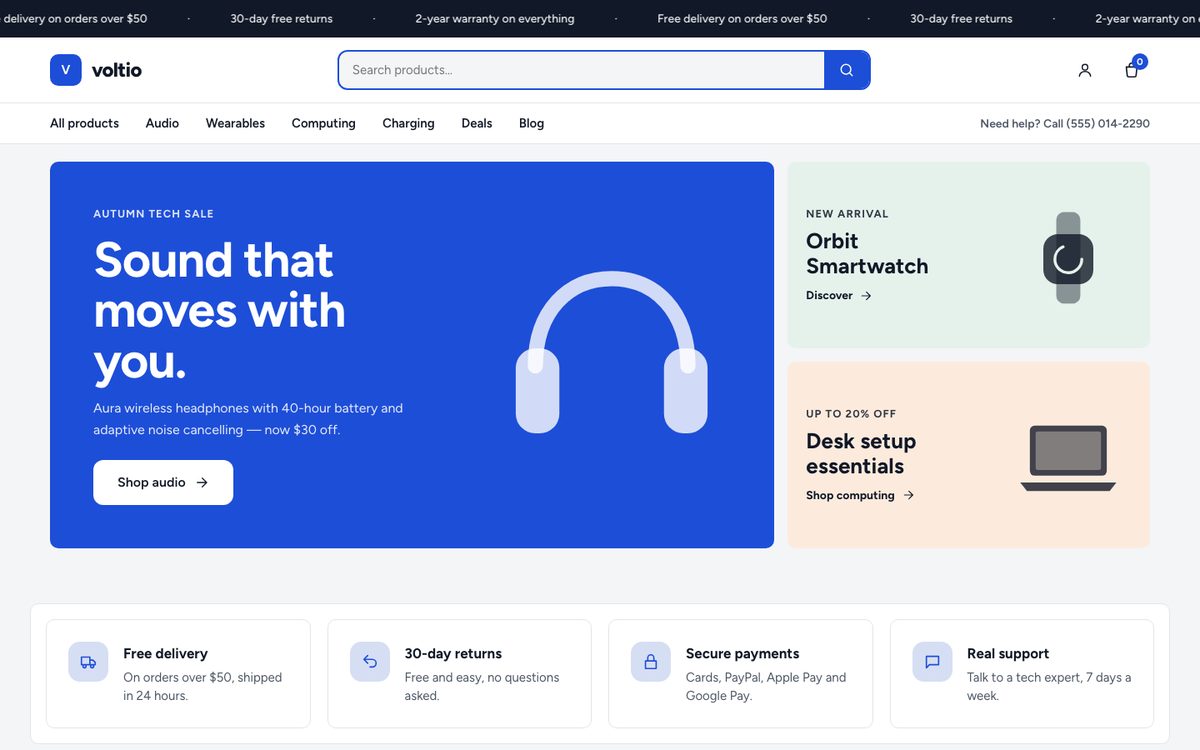
Each demo below is a real Kinetra site. Click a screenshot to open it, then import the same demo from the Setup Wizard in one click, with the Block Editor or Elementor.

One-click import

Any demo, ready in minutes

The demo you import is a starting point, not a locked template. Change the text, images, colours, fonts and sections, or switch to a different demo later. Your own content is kept.

  1. Activate Kinetra and your licence key. The Setup Wizard opens.
  2. Choose a demo from this page.
  3. Choose Block Editor or Elementor.
  4. Click Import demo. Plugins, pages, projects, products, menus and design settings are set up for you.